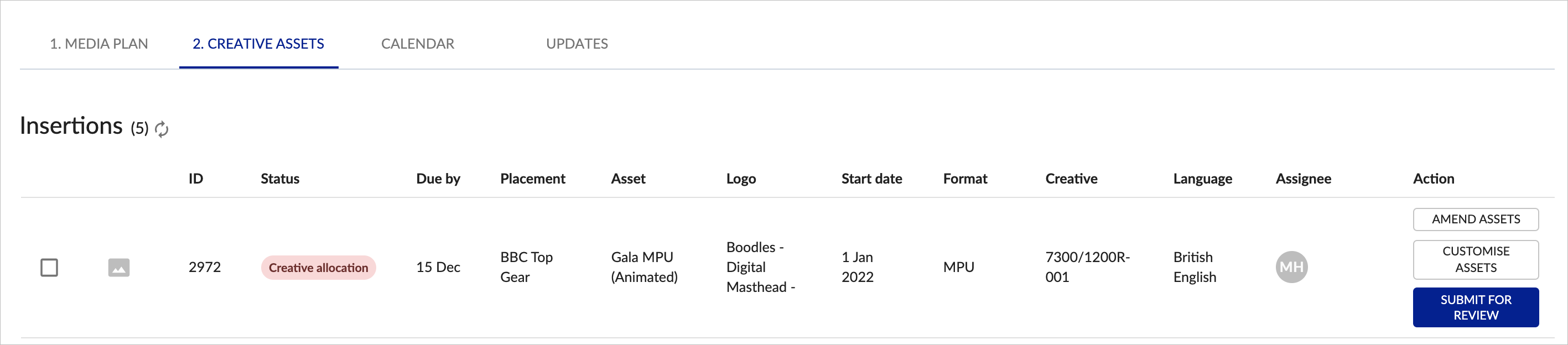
Creative allocation is where you can select the Master Template you want to base your artwork on. Different Templates allow you to customise different parts of the artwork, allowing you to create an ad to meet your requirements, whilst maintaining brand guidelines.
You can do Creative Allocation before or after your placements are approved. Click on the CREATIVE ASSETS tab on each media plan page.
 Click SELECT ASSETS on any placement to start Creative Allocation.
Once you have clicked SELECT ASSETS within Creative Allocation you will be asked to choose the Master Template to adapt from, which in this case is showing 2 x master MPU assets:
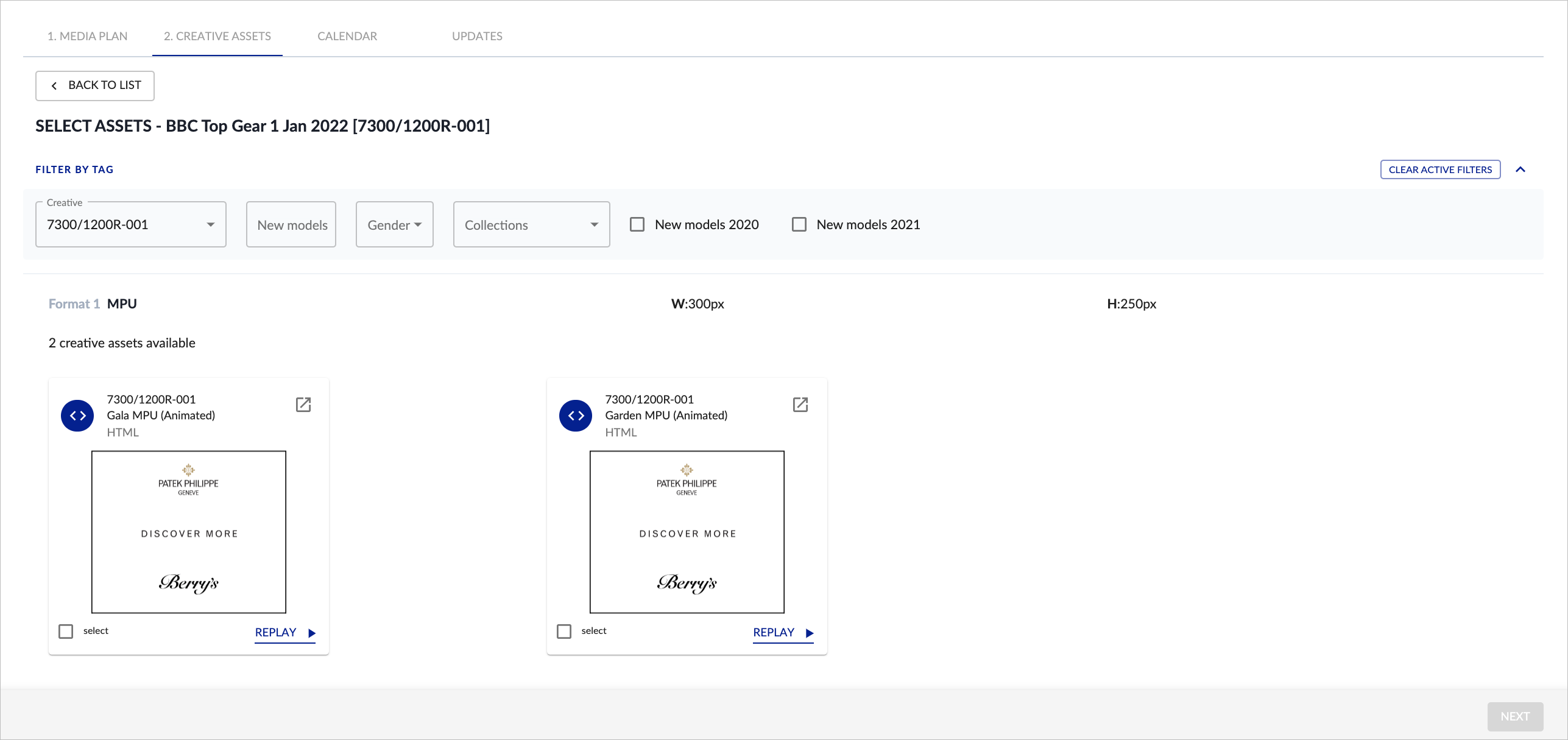
Different Master Templates will allow you to customise different parts of the artwork. Depending on the selected template, you will be able to customise images, videos, text or logos.
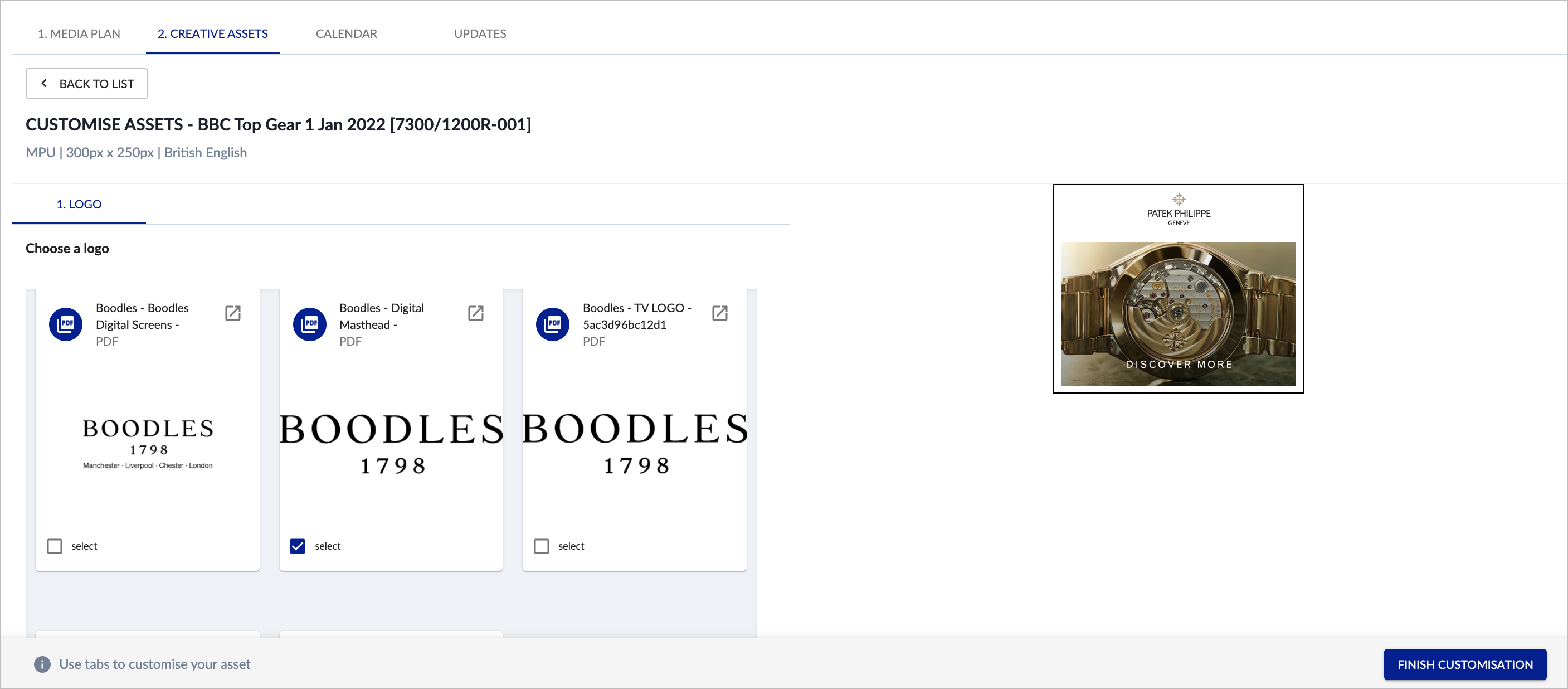
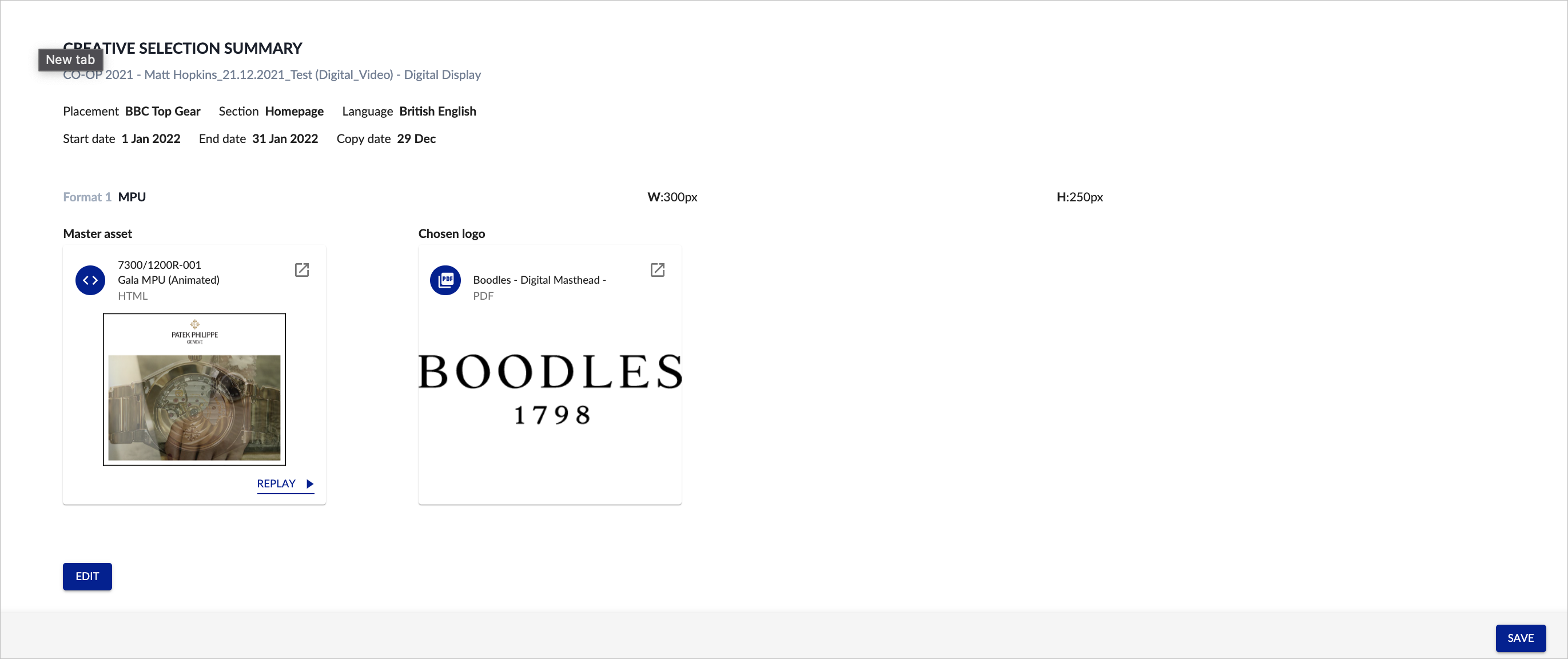
Once any customisations have been added, you will then see the final CREATIVE SELECTION SUMMARY:
Once CREATIVE ALLOCATION has been completed for each item on the media plan, you will be able to SUBMIT FOR REVIEW: