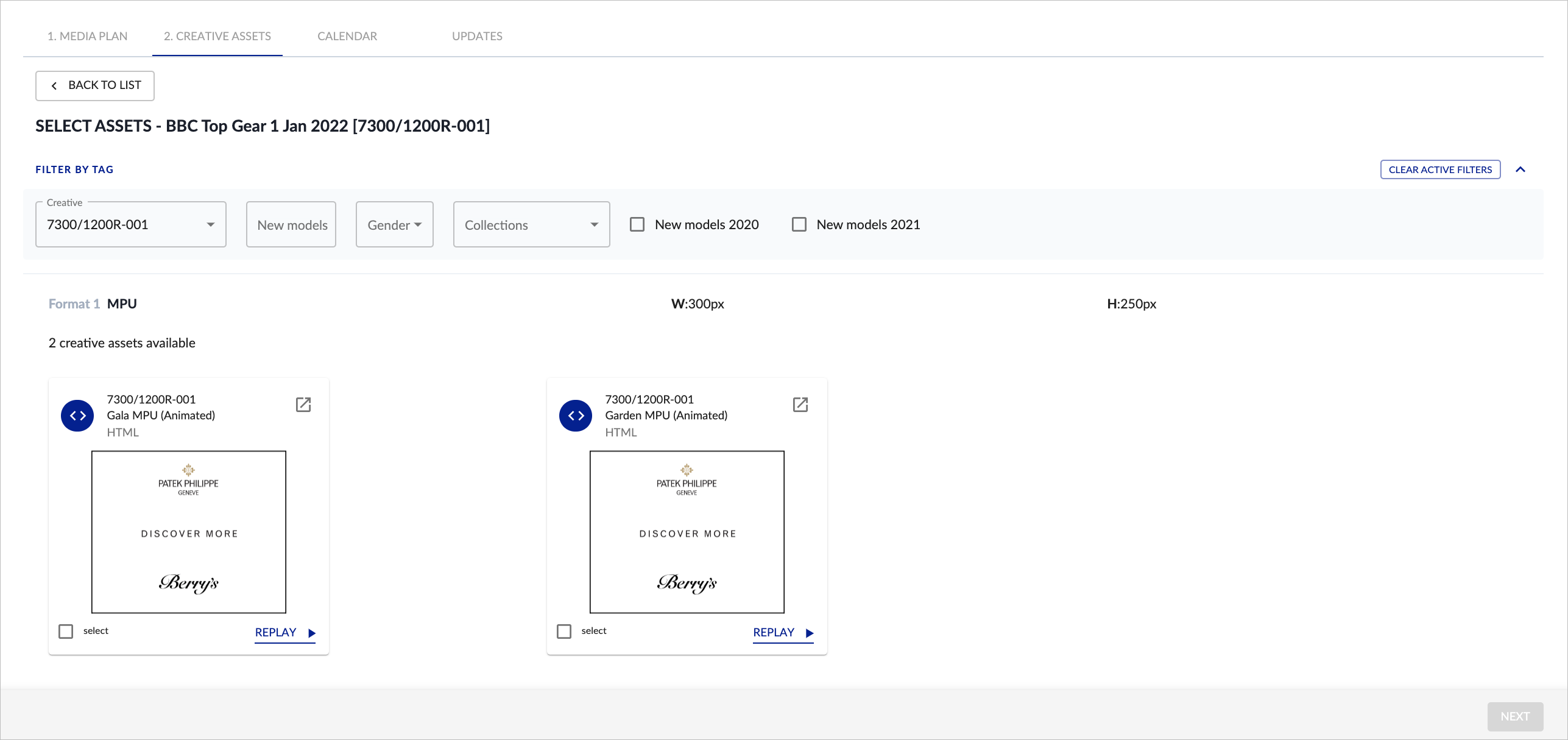
Once you have clicked SELECT ASSETS within Creative Allocation you will be asked to choose the correct creative asset to adapt from, which in this case is showing 2 x master MPU assets:
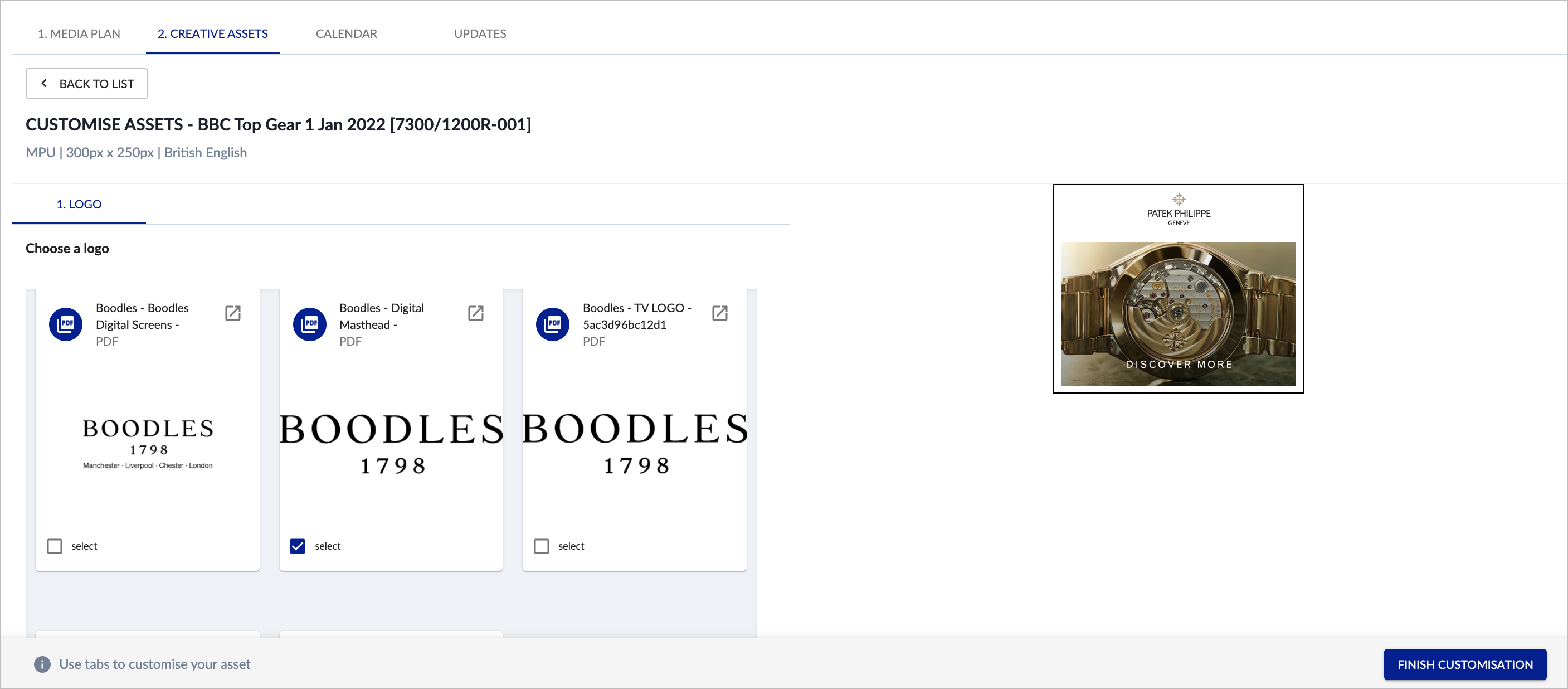
You can then select any additional customisation (depending on the AUTOMATION TEMPLATE):
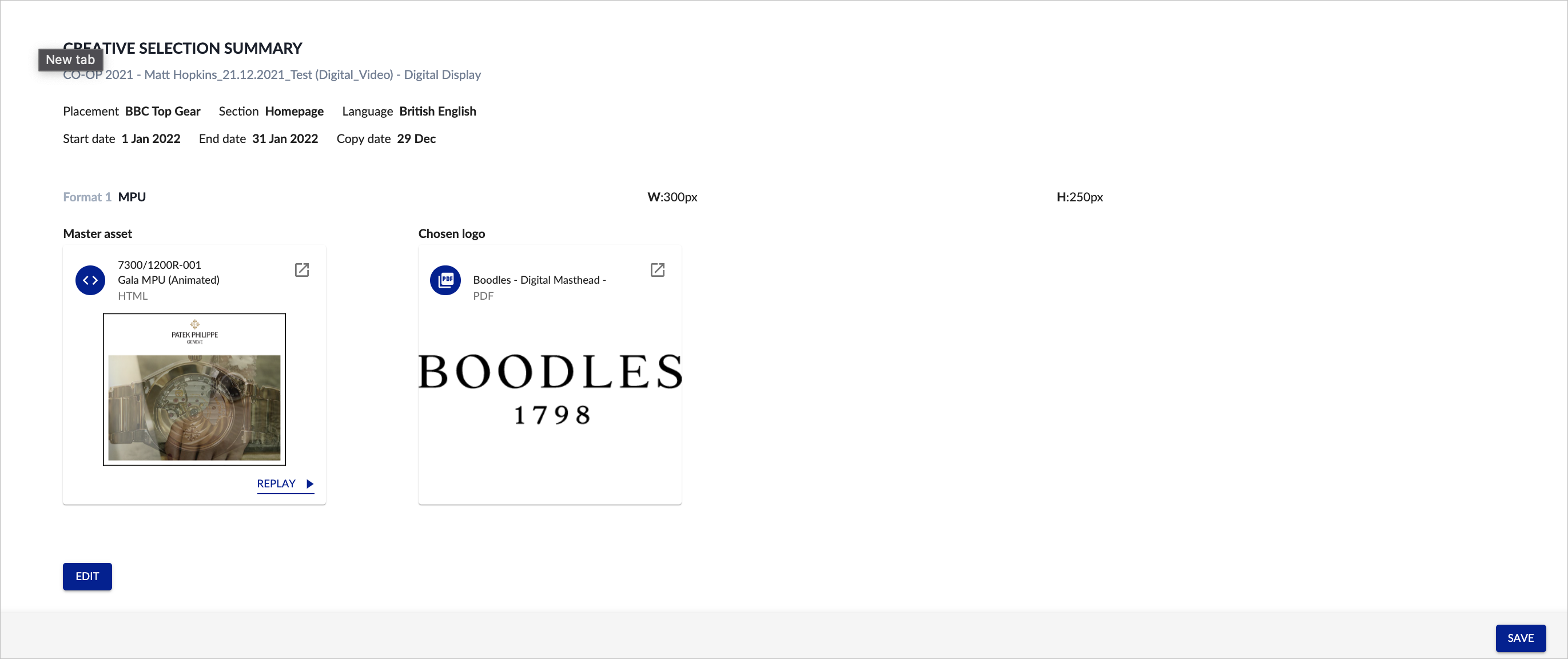
Once any customisations have been added, you will then see the final CREATIVE SELECTION SUMMARY:
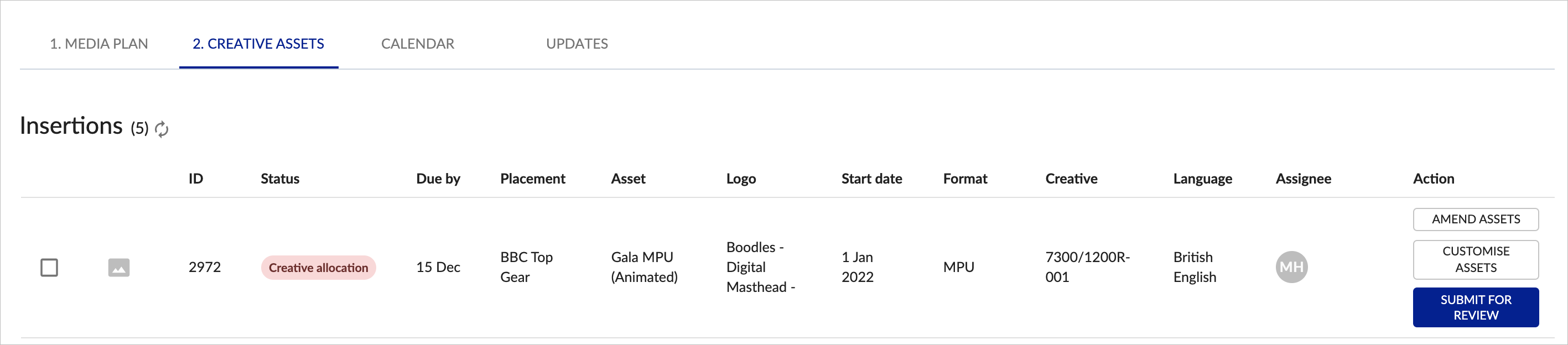
Once CREATIVE ALLOCATION has been completed for each item on the media plan, you will be able to SUBMIT FOR REVIEW: