Troubleshooting a New Media Plan
If you are experiencing any issues with a new media plan, it's worth checking the following steps:
- Ensure you have the right permissions to create a media plan
- Ensure the start date is later than today; that the end date is after the start date
- If you make a mistake creating a media plan and want to edit or delete it, get in contact with the help desk via help@createtotally.io or the help function within the platform
On creation of a new media plan, you will be prompted to Add Your First Placement
After creation, a new Media Plan goes into Draft status, and is ready for its first placement.
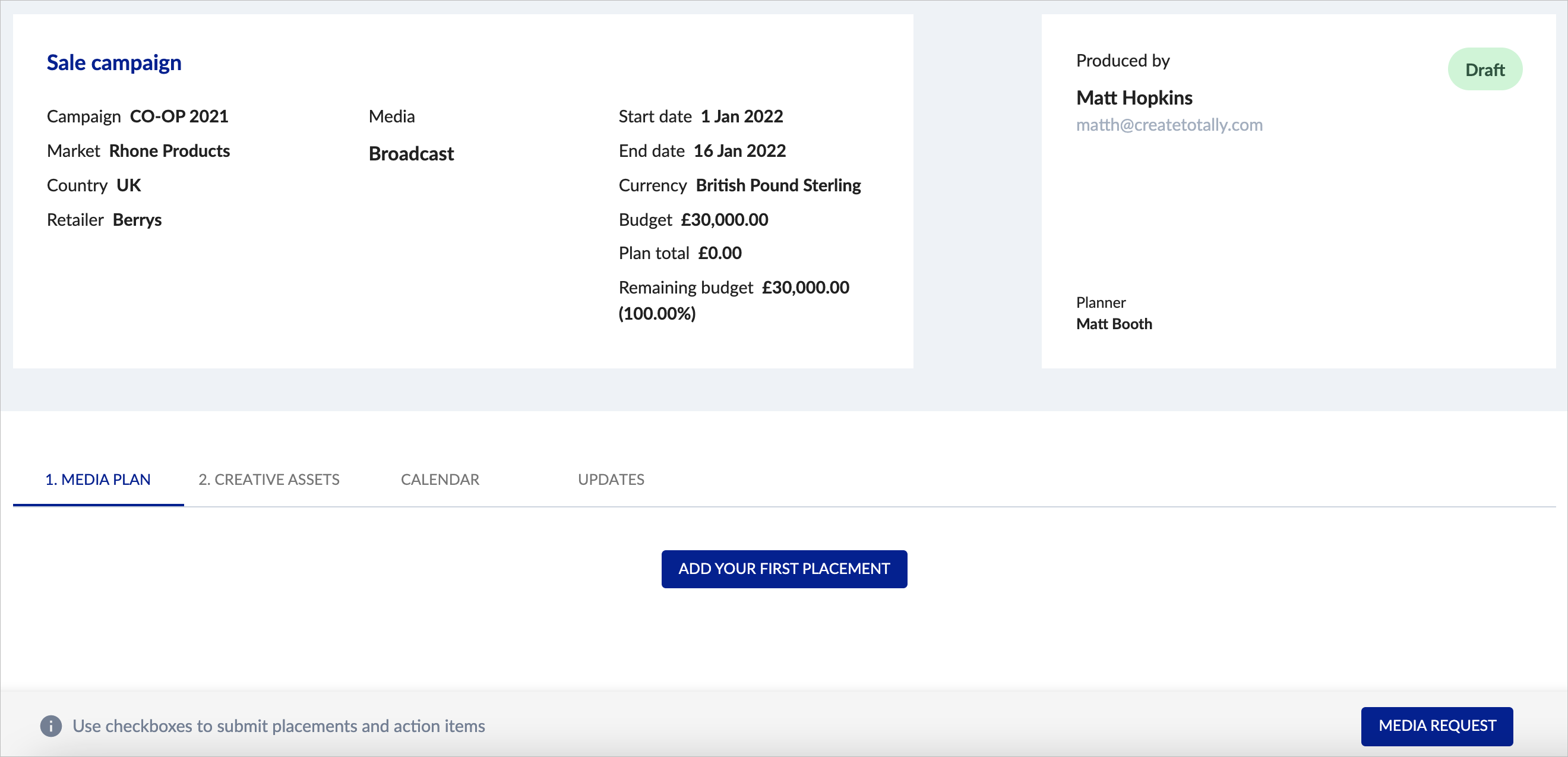
Any assigned planners will be able to see newly created media plans in their dashboard and can then add placements.