Creating a New Media Plan
A media plan provides the information required to deliver new creative content. A simple media plan will contain the destination (title/channel list/site name), active dates, formats, and media placement/positioning.
To create a new media plan:
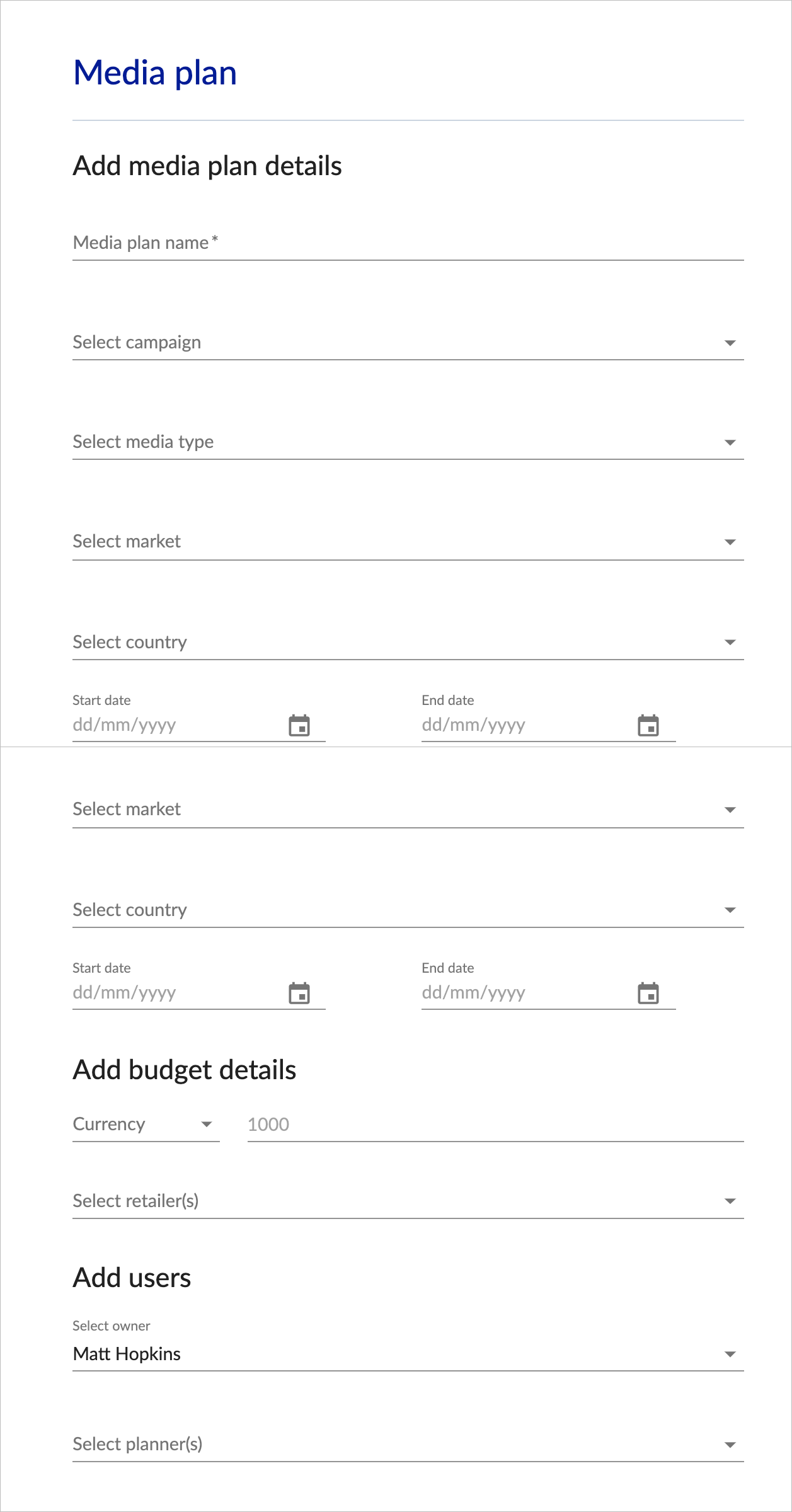
- Click ADD MEDIA PLAN from the Left Hand Navigation, or use the NEW MEDIA PLAN button from your dashboard view
- Complete the form fields as required
Mandatory fields
For each type of media plan deliverable there are a number of mandatory fields that must be completed for each item that you add.
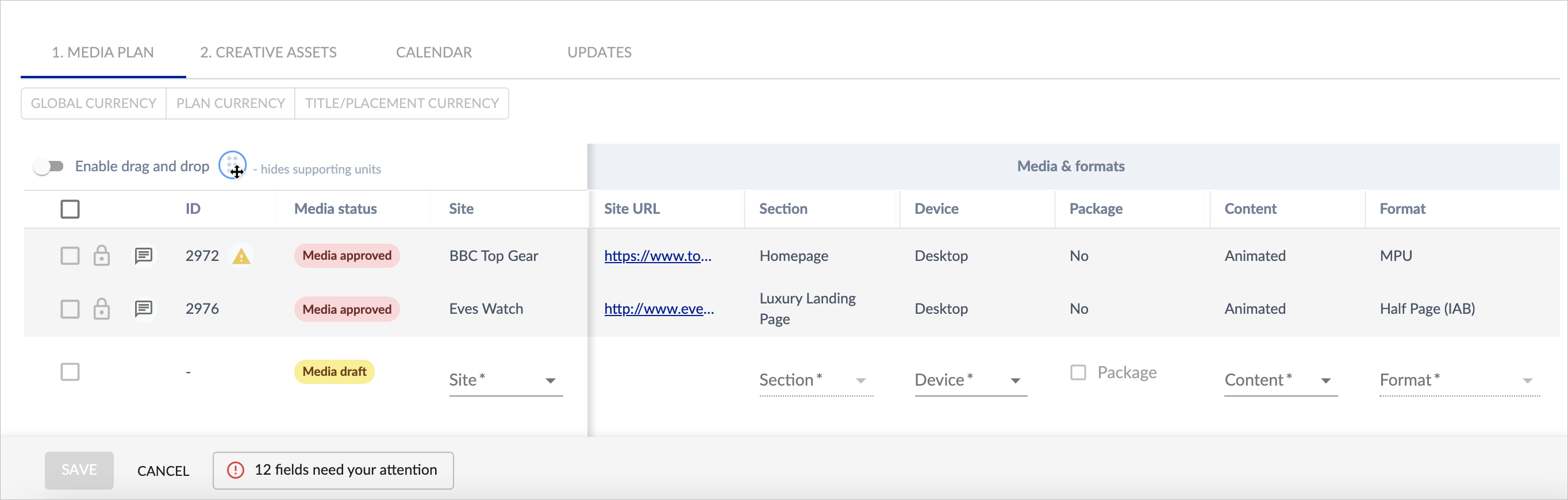
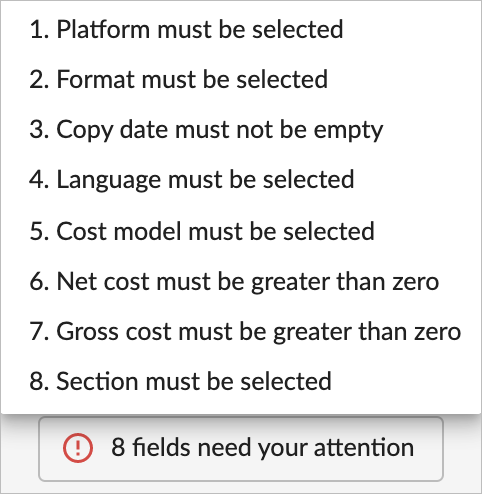
As you complete each mandatory field, the list of outstanding information will be automatically updated in the notification window at the bottom of the page:
Submitting media plans for approval
Once all of the media placements have been added to the plan, you will then need to select all of the placements using the tick box feature and SUBMIT SELECTED FOR REVIEW, which will move the plan into the next stage of approvals:
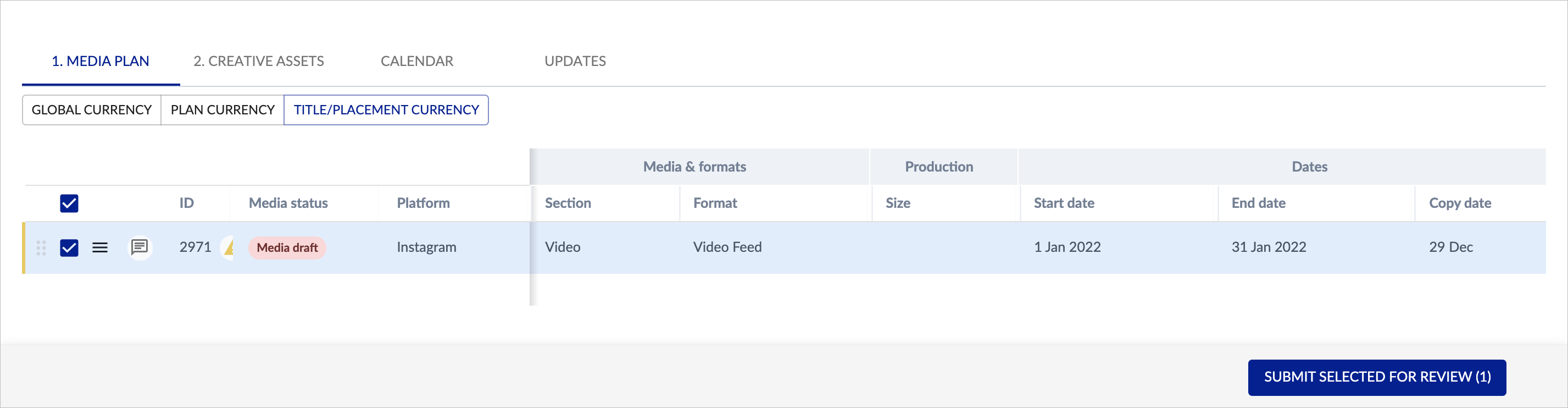
Depending on how your specific approval workflow is set up, that approval maybe required by someone else, but if that media approver role is not required or selected, then then next step you see will be to APPROVE SELECTED items from the plan:
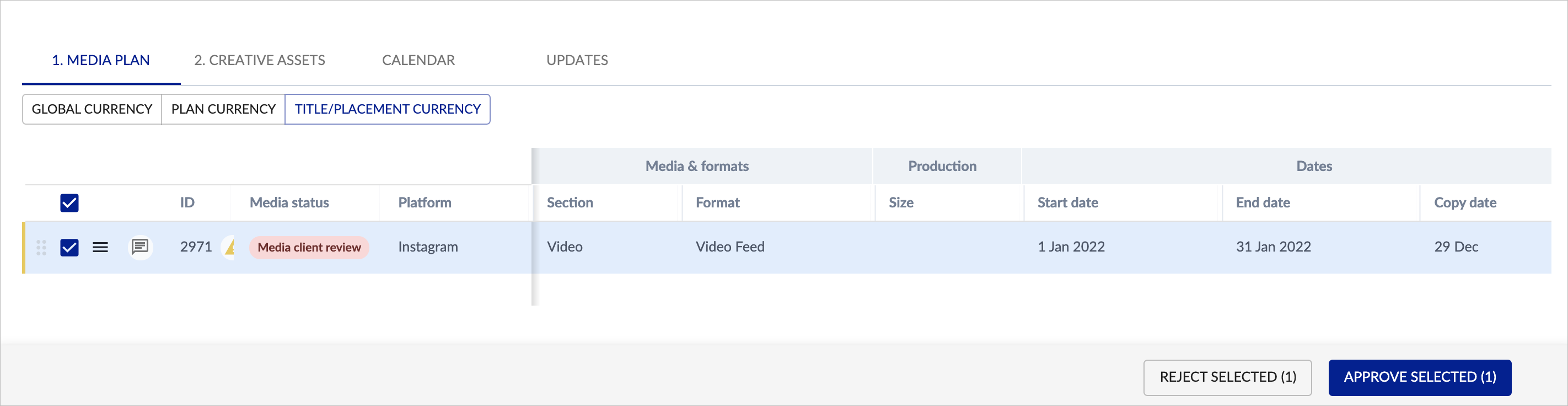
This will then move the media plan into the CREATIVE ALLOCATION phase.