Submitting Placements for Review
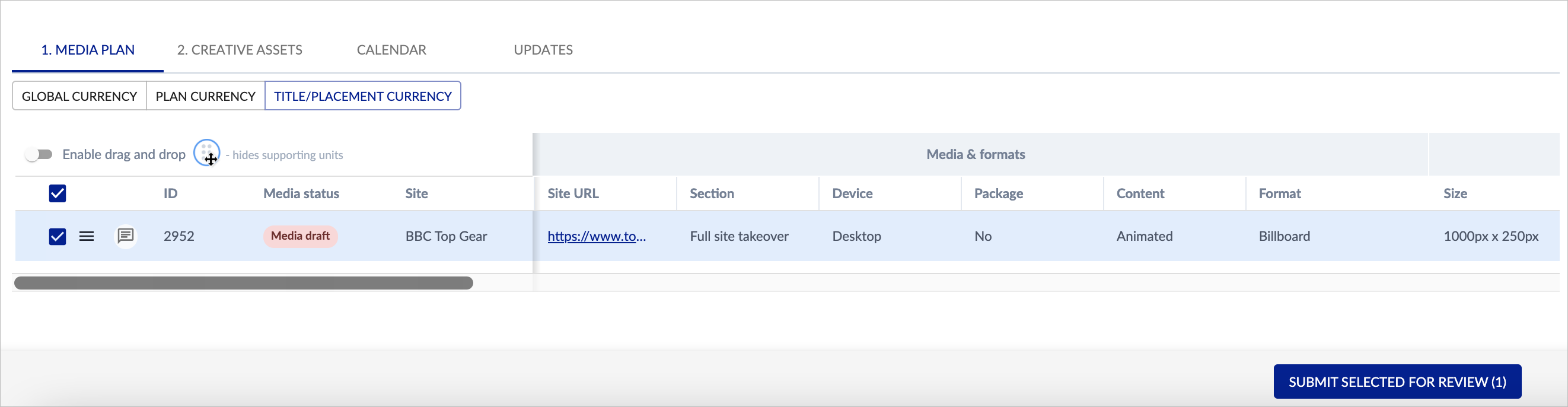
Continue to add placements in this way until you have built your plan. When you are happy all the details are correct, you can then select one or more items using the checkboxes and SUBMIT SELECTED FOR REVIEW (the button appears on the bottom right of the panel, after you select placements using the checkboxes). Submitting a placement for review will move these placement tasks on to the next stage of the workflow.