Add Your First Placement
Click "Add new Placement" to start adding a placement to your plan. A row will appear allowing you to select where the ad will run, as well as the budget information.
Enter the details for your placement, making sure that you complete all of the mandatory column values that are marked with an asterisk (*).
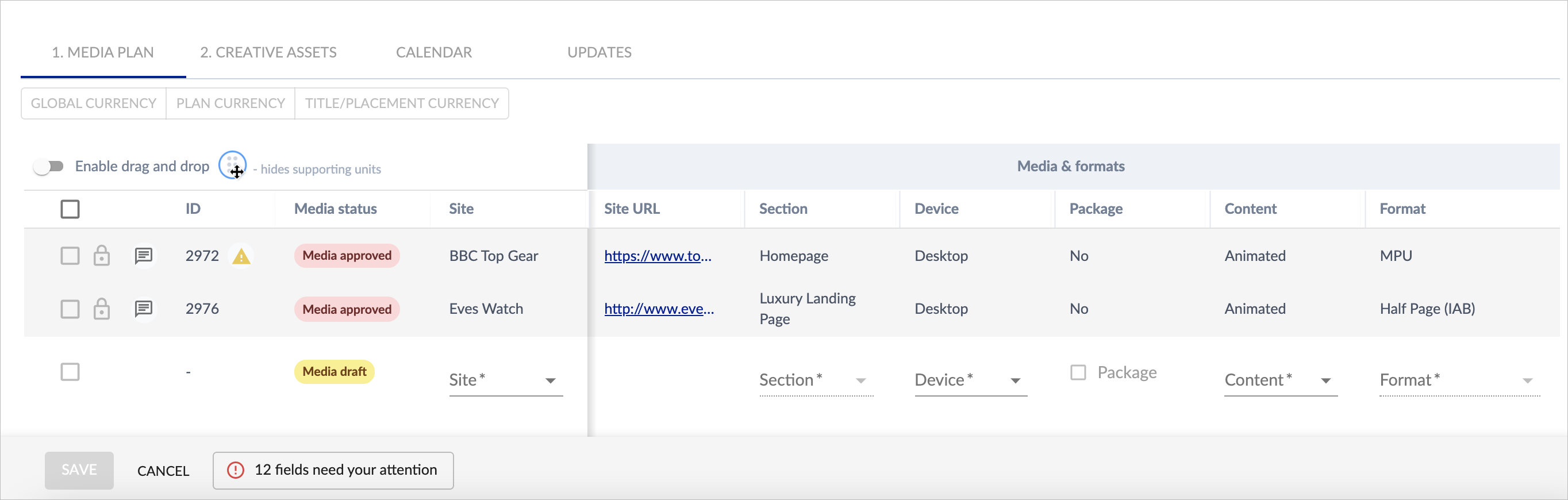
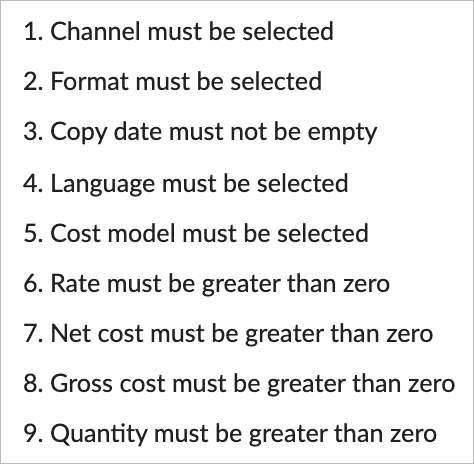
There are a number of mandatory fields that must be completed in order to save a placement:

Each time you complete a mandatory field, the alert will update. Simply click on the alert button to see which fields still need to be completed:
Once you have added your placement, the SAVE button (bottom left of screen) will be enabled, and you can save your placement.
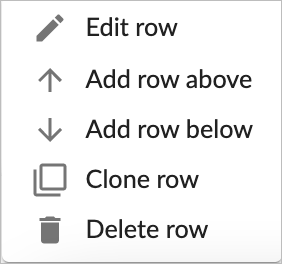
You can clone and edit placements by clicking the menu button on each placement.