When you login to CreateTOTALLY, the first page you will see is your TASKS. This is a list of all the actions you need to take, ordered by Due by date (earliest date first). You can take action on a task directly by clicking on the row.
The task name describes the action required and clicking the task will navigate you directly to complete the action. You can search for a specific task by its job ID, or filter to locate specific tasks types, by:
- Campaign
- Media/ Content Plan name
- Media type
- Stage
- Due date
Task Types
 |
Translation |
 |
Media plan/creative asset allocation |
 |
Proof |
 |
Video or animated html proof |
Task Status
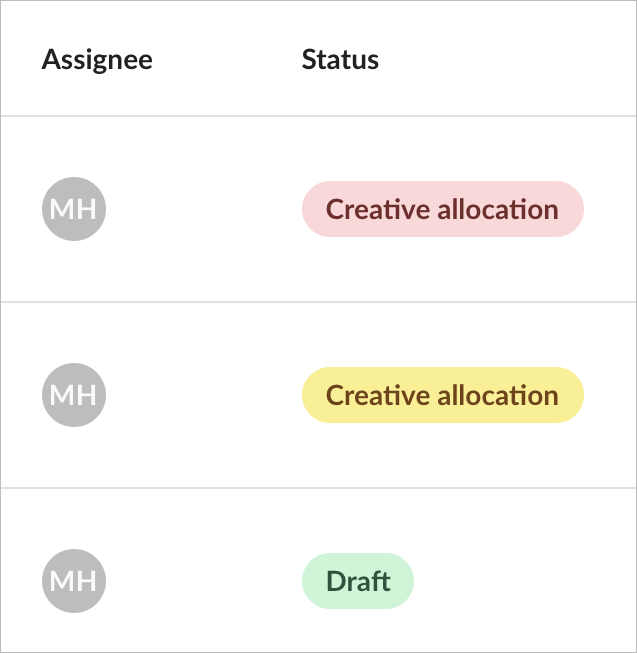
So that you can quickly see which tasks are on schedule, the status is displayed as  Red,
Red,  Amber and
  Green.
The status indicator is coloured according to the due date of a task: Red if it is within 7 days of the due date Amber if it is between 7 and 14 days of the due date Green if it is more than 14 days before the due date