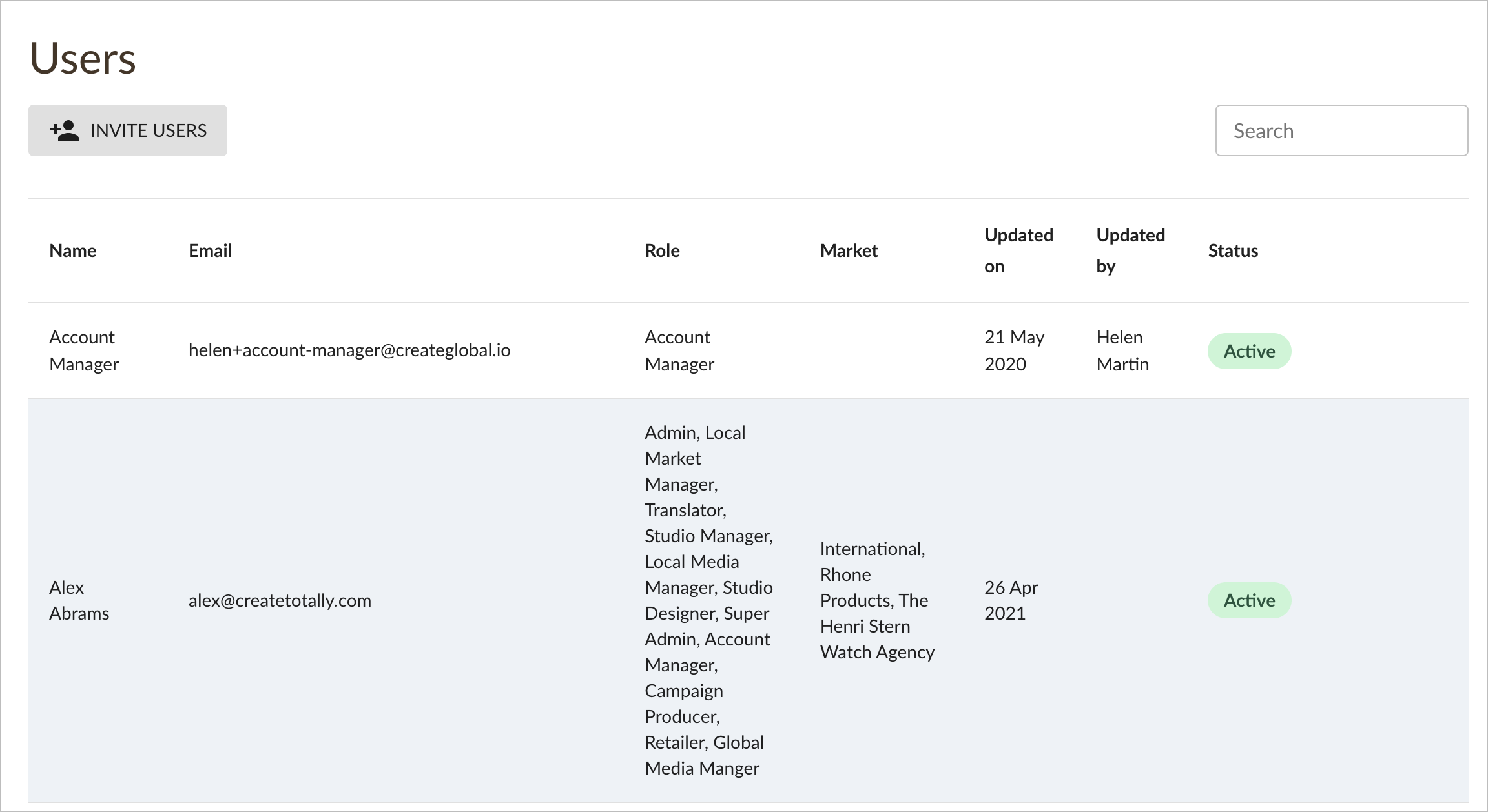
There are some process and administrative tasks that can only be performed whilst using the SYSTEM ADMIN tab from the left hand navigation menu:
These tasks are UPLOADING and CREATING NEW ASSETS for adaptation, as well INVITING NEW USERS to join the platform:
Creating New Assets
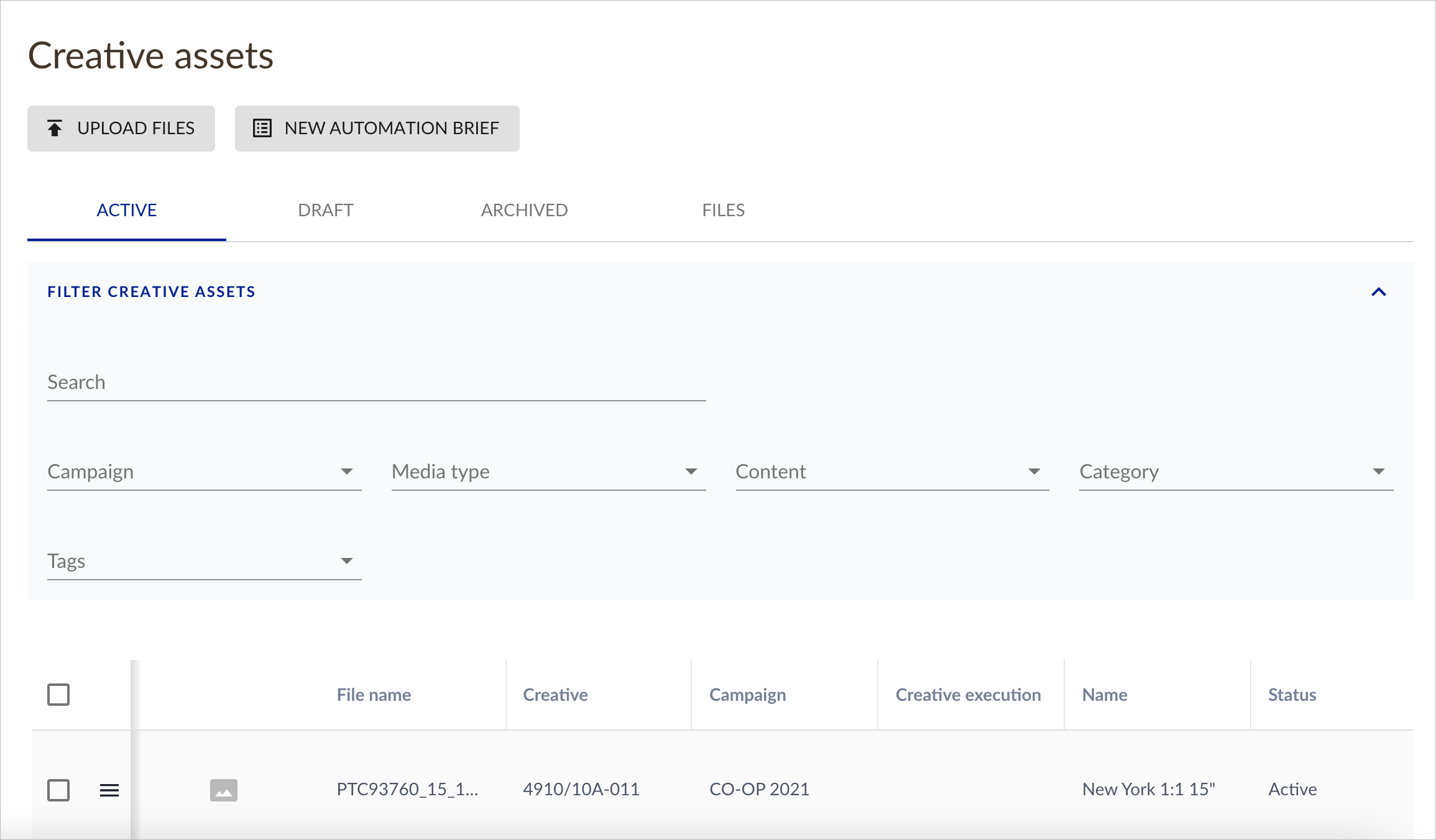
ACTIVE
The ACTIVE view shows all of the media insertions that have been added for clients that you have access to view, regardless of campaign or asset type:
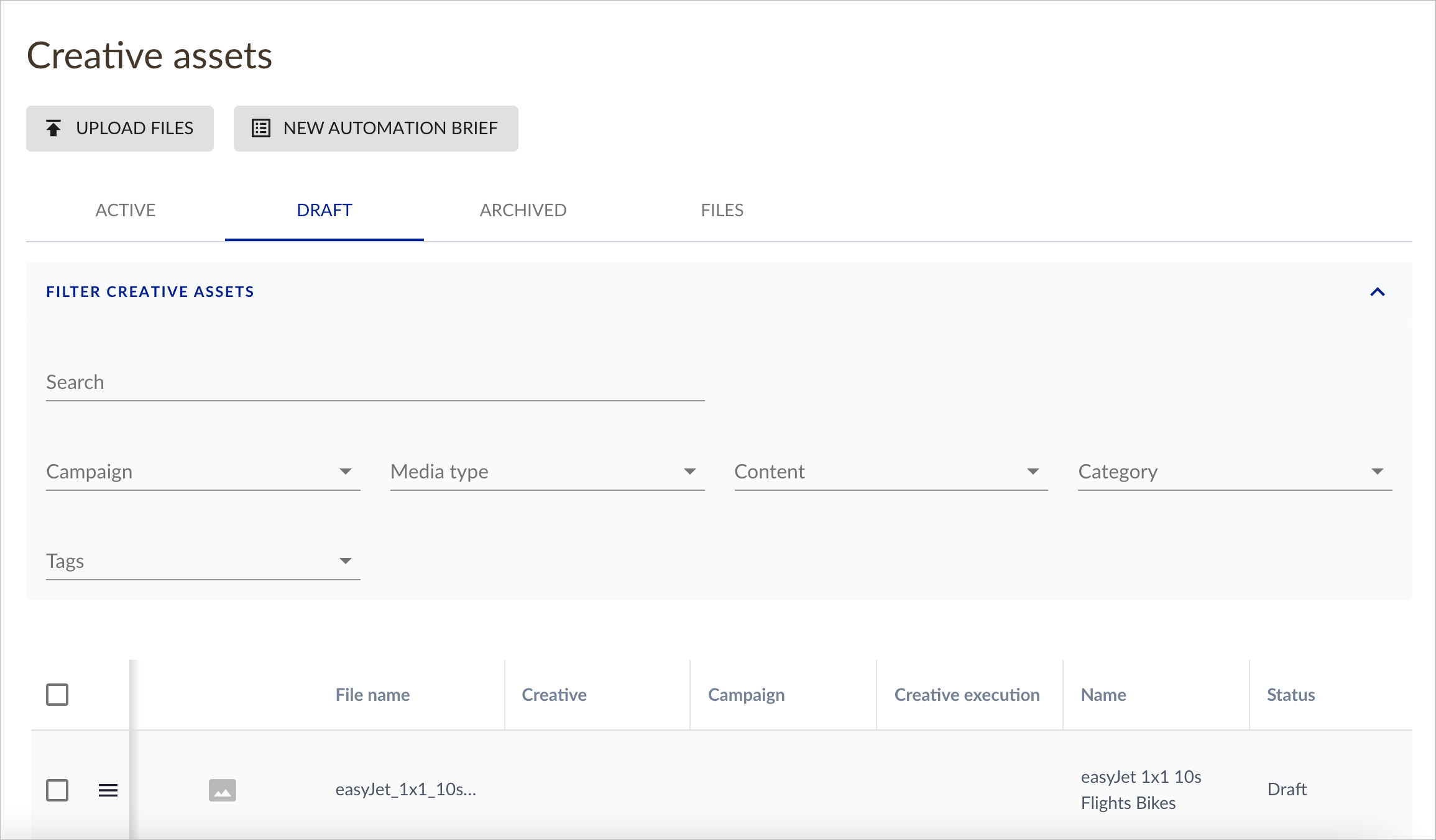
DRAFT
The DRAFT view shows all of the draft media insertions that have been added for clients that you have access to view, regardless of campaign or asset type:
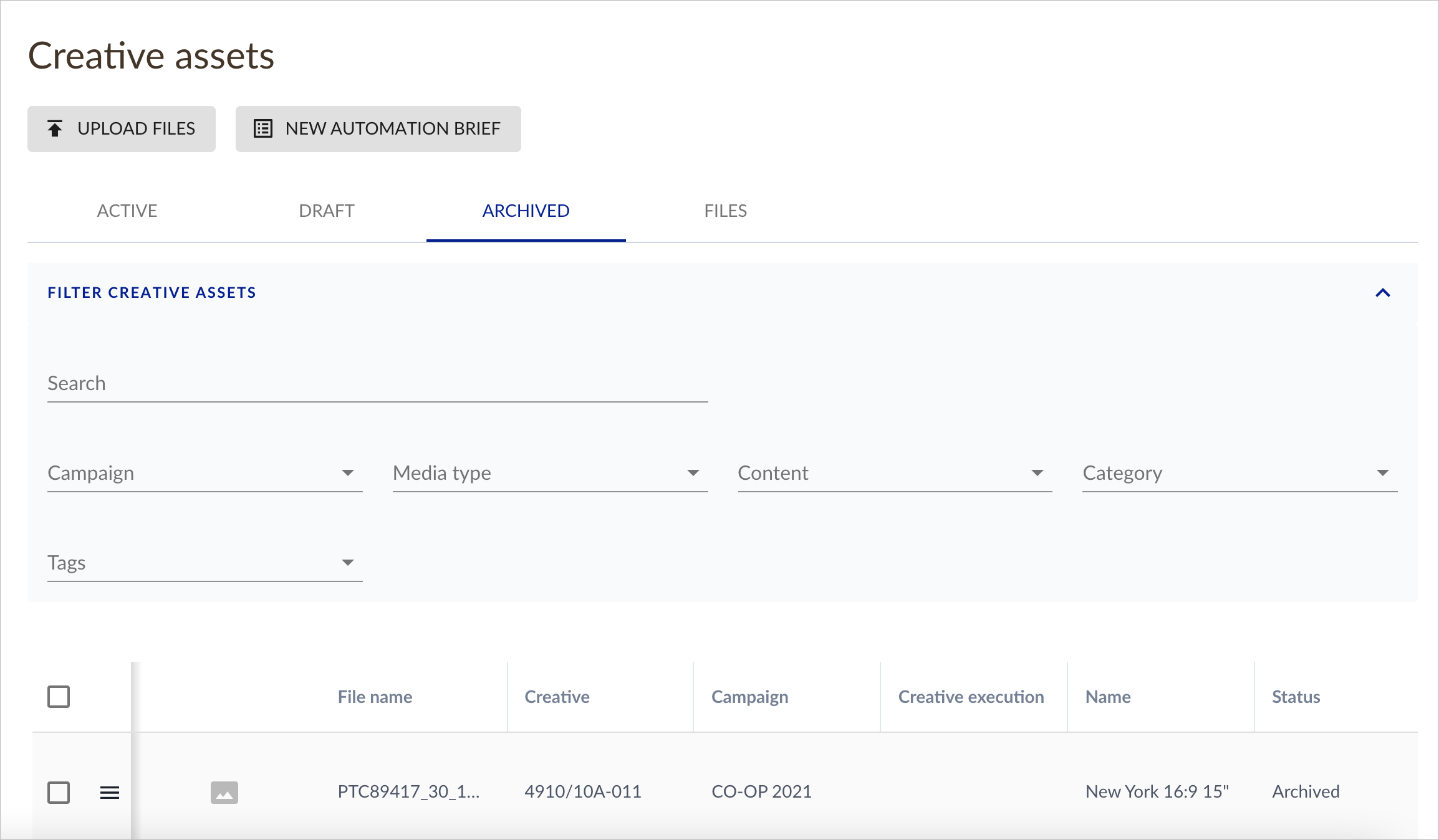
ARCHIVED
The ARCHIVED view shows all of the archived media insertions that have been added for clients that you have access to view, regardless of campaign or asset type:
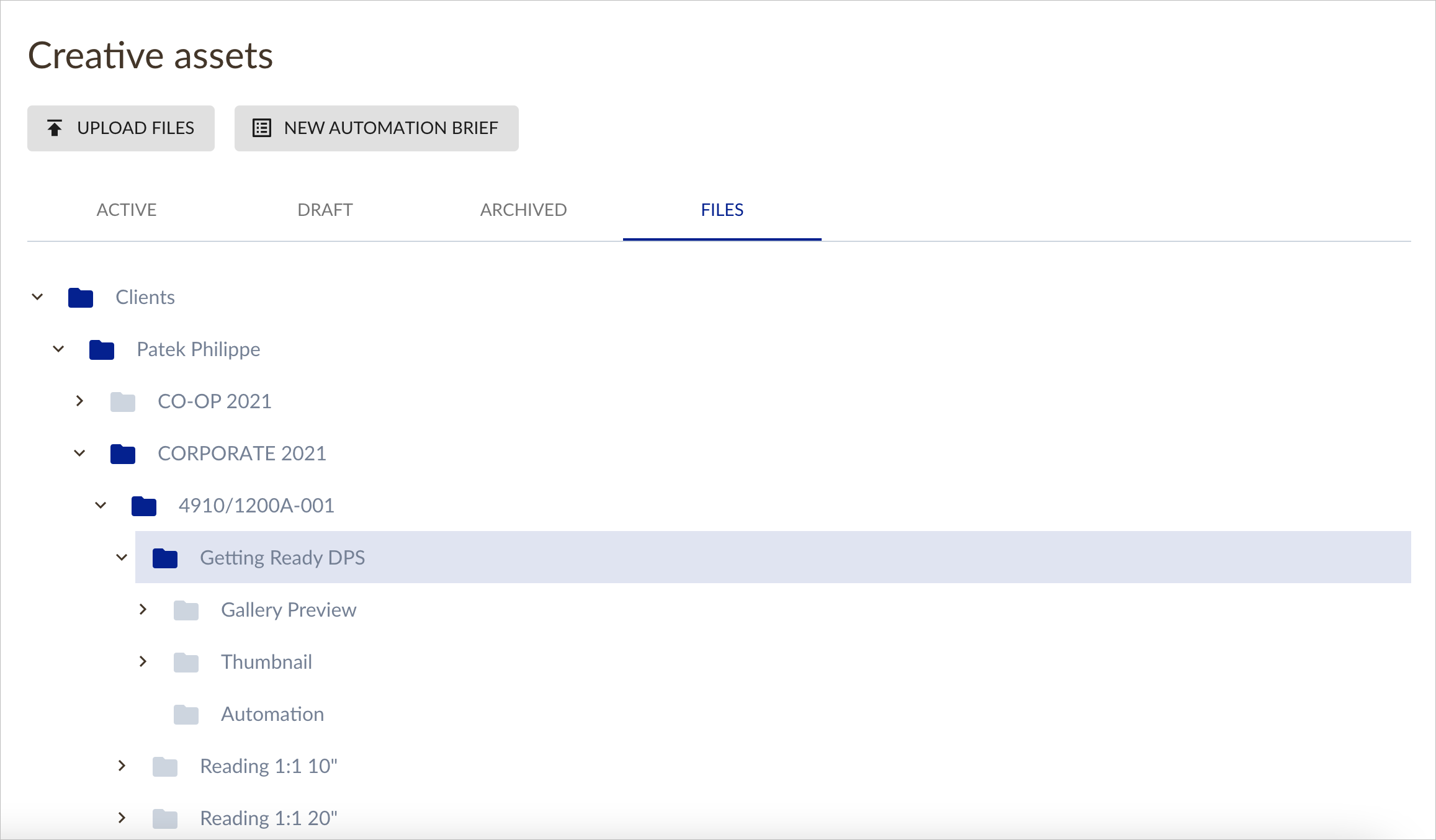
FILES
The FILES view shows all of the master assets that have been prepared for automation or localisation, split by Client and Campaign:
Inviting New Users
In order to invite a new user, simply click on the USERS tab in the left hand navigation menu and then click on the INVITE USERS button: