Creating Projects
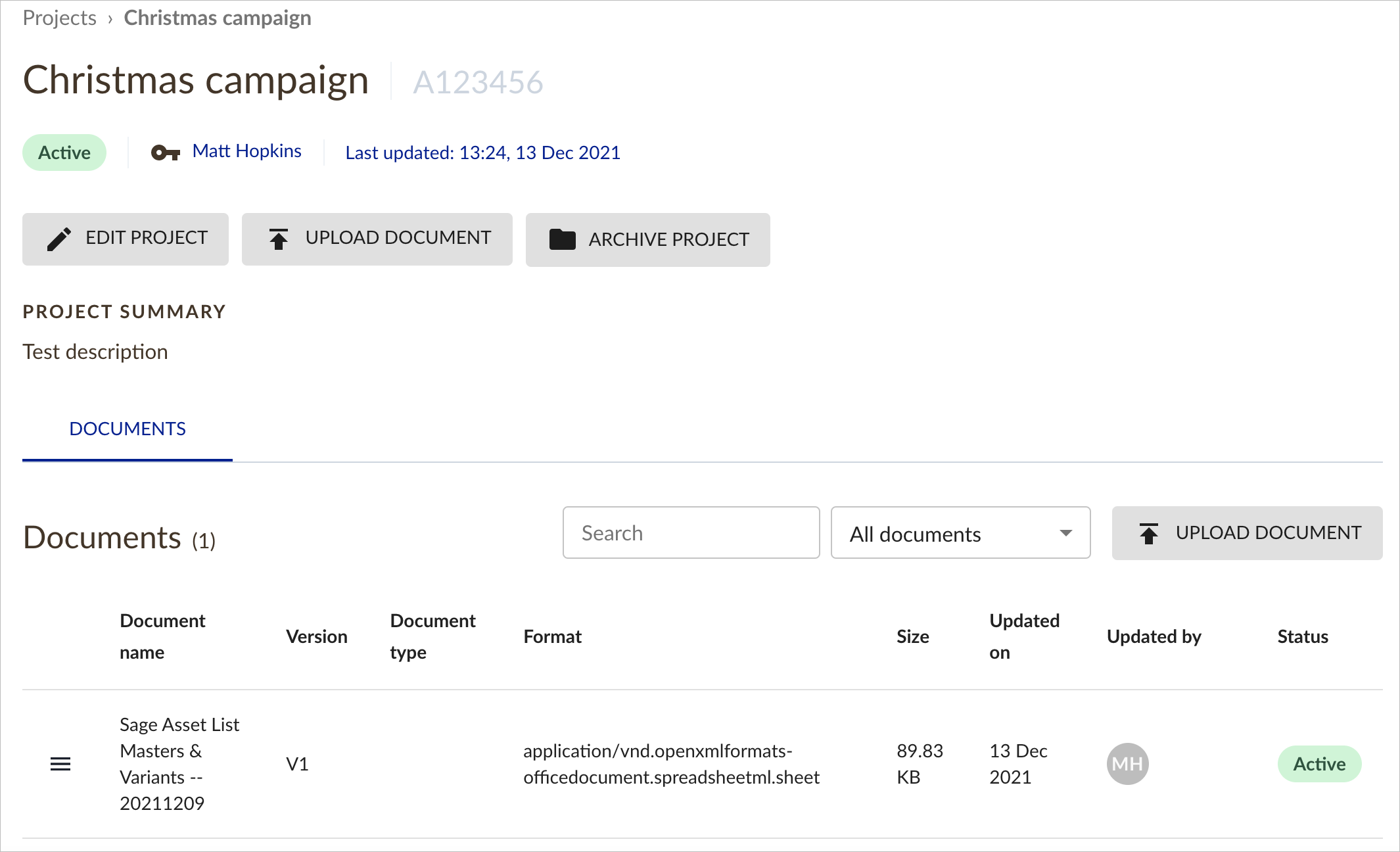
The Projects feature allows you to save all of your important project documents within the tool.
Simply click on Create - New project in the top Navigation menu.
Then you will be able to add the relevant information about your project, such as Client, Project name and your agency job number.
Uploading Documents
Once the project has been created, then you can add documents such as Scope of work, Client brief or Asset Matrix.