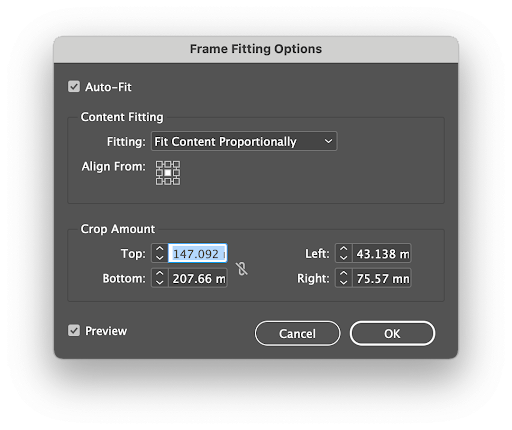
In order to prepare your InDesign artwork for the Automation Engine, you will need to assign the correct Frame Fitting options, as part of the Adaptation process:
Step 1
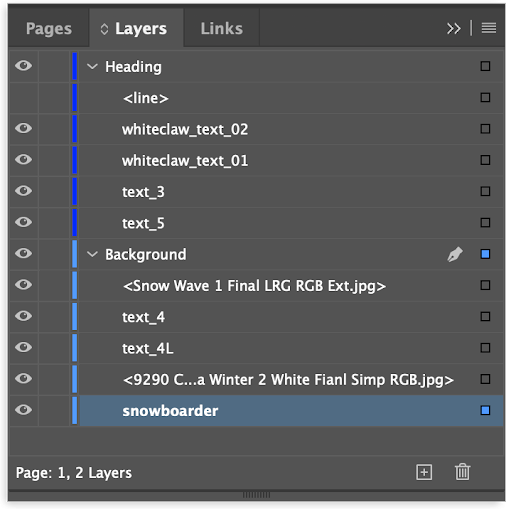
Open your InDesign document and use the Layers panel to select objects for automation tagging: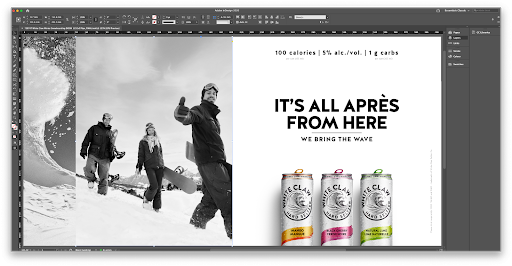
Step 2
To ensure the left of the slope on the snowboarder image aligned to the bottom right of the Snow Wave image we applied the following Frame Fitting Options to snowboarder image:
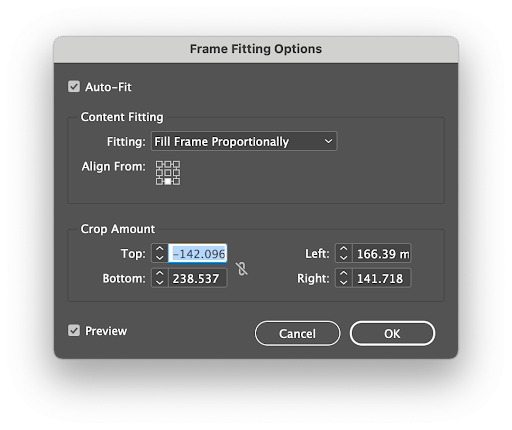
Auto-Fit was selected. Fitting: was Fill Frame Proportionally and Align From: was Bottom Centre.
Tip: Make sure Auto-Fit is selected. 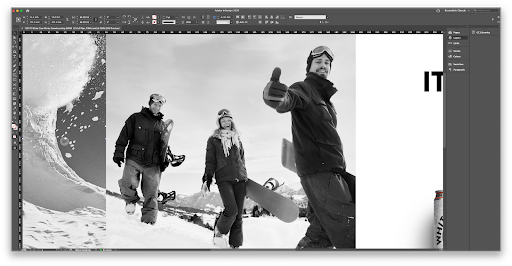
Step 3
To ensure the bottom right of the Snow Wave image aligned to the left of the slope on the snowboarder image we applied the following Frame Fitting Options to Snow Wave image:
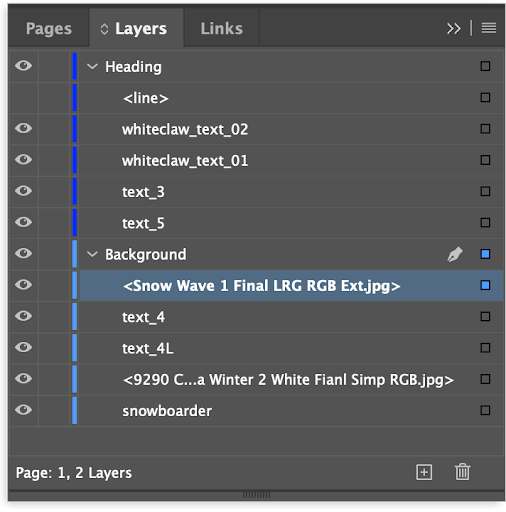
Auto-Fit was selected. Fitting: was Fit Content Proportionally and Align From: was centre.