Auto-size text frame options make it possible to set up a text frame so that it is automatically resized when you add, delete, or edit text. To access the Auto-size options, do the following:
-
Select a text frame and choose Object > Text Frame Options
-
Click Auto-size
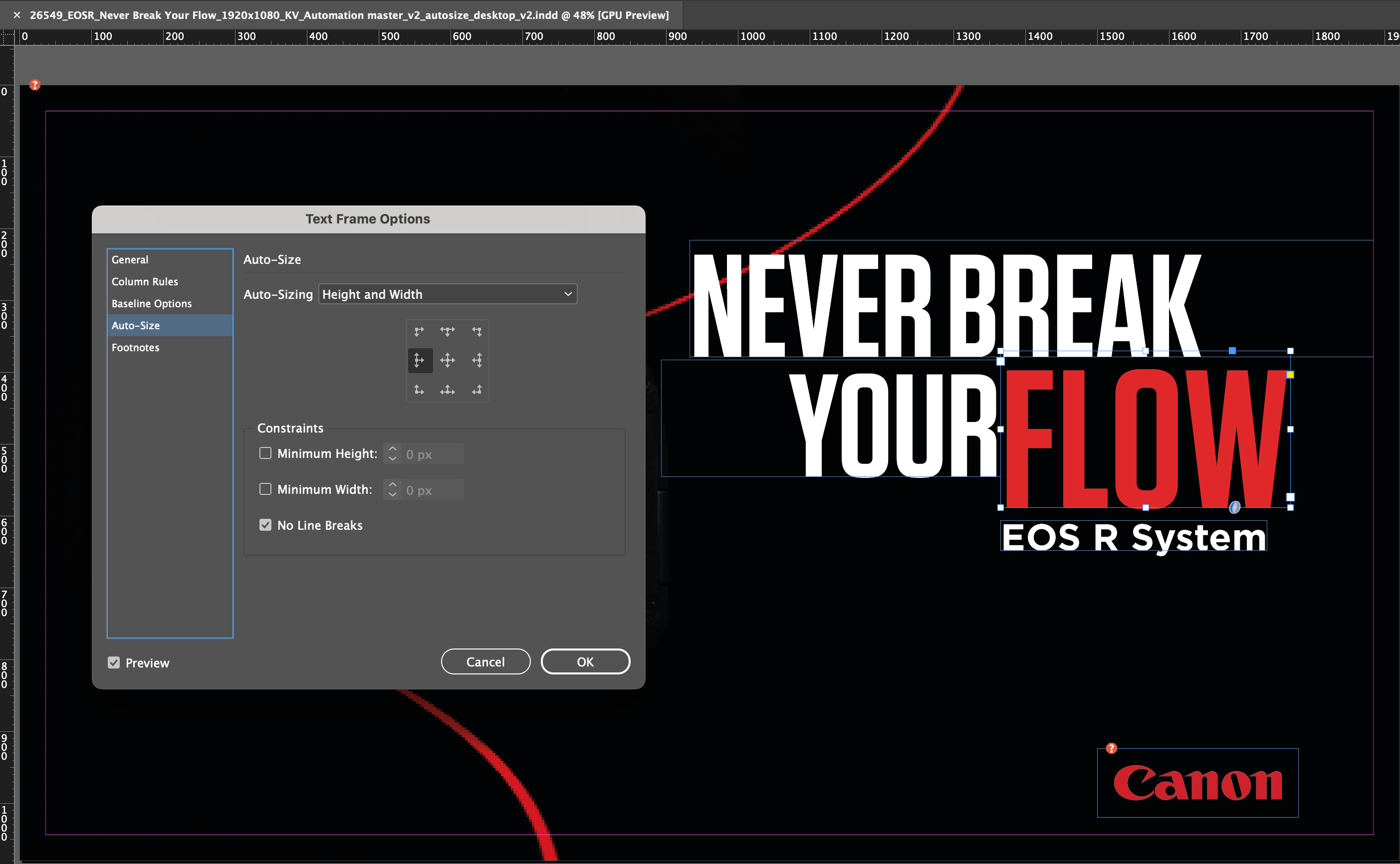
Auto Size options
-
Select an auto size option to apply when text is added or deleted:
- Off
- Height only
- Width only
- Height and Width
- Height and Width (Keep proportions)
-
From the anchor proxy, click a reference location to resize from. The anchor proxy also indicates how the text frame resizes.
-
Specify the constraints for minimum height and weight, and line breaks.